

The direct answer: a robot that arrives on site and fails wastes the whole crew day. A short daily checklist — cameras clean and focused, tracks and wheels clear, cable spooling freely, batteries and controller charged — prevents the majority of field failures. Ten minutes at the start of the day keeps every inspection run on schedule, whatever the weather did to the truck overnight.
Inspection robots are tools, and tools are only as reliable as their routine. This guide covers the daily checks that matter, what to do after each run, and the weekly maintenance that keeps a crawler earning its place in the truck.
Why the pre-start check matters
Most field failures are predictable: a dirty lens that was dirty yesterday, a track pad worn past its useful life, a battery that did not get charged, a cable that was wound wet. None of these are surprises. They are all visible in ten minutes with a checklist — and invisible to the client when the run starts.
The 10-minute daily checklist
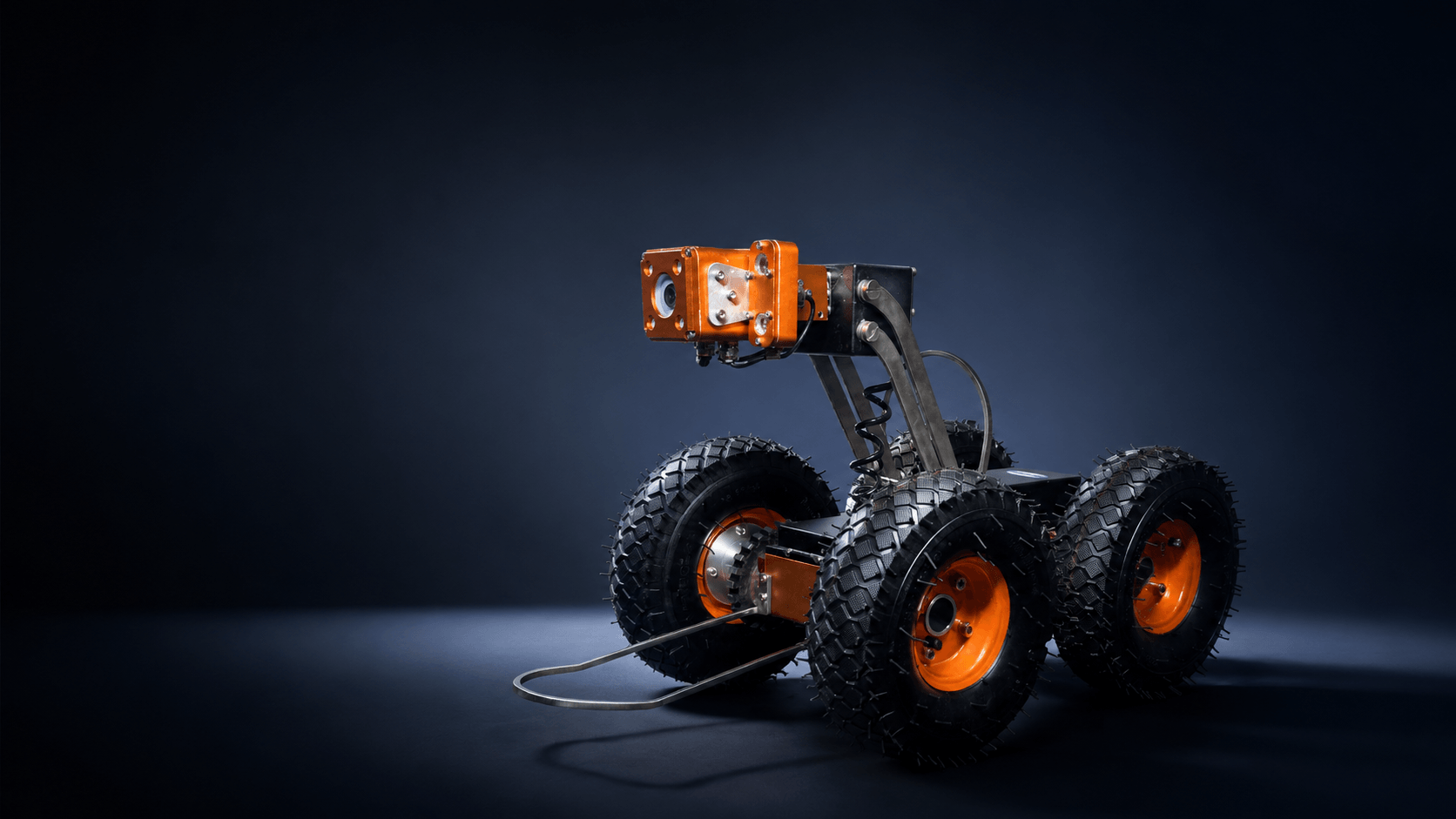
- Camera. Lenses clean and free of scratches; focus checked at working distance; lighting working across the full range.
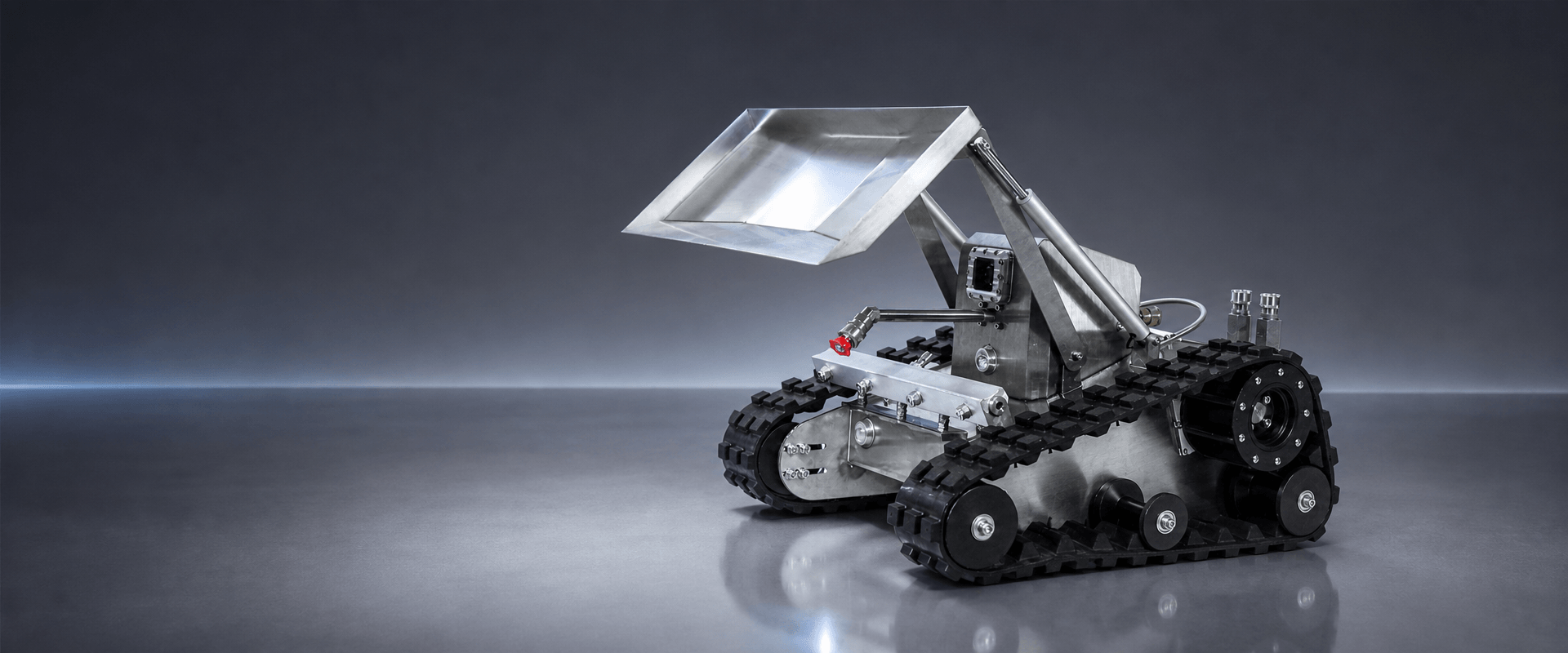
- Drive. Tracks and wheels clear of debris; track tension correct; no loose fasteners.
- Cable. Spooling freely without kinks; connector clean and seated; encoder counting correctly.
- Power. Crawler and control unit charged; spare batteries in the truck; charge cables present.
- Controller. Tablet or control box boots cleanly; screen clean; software responding.
- Consumables. Spare track pads, wheels and lenses in the vehicle for the day's jobs.
After each run
What happens after the run decides how the machine behaves tomorrow. Rinse mud and grit off the crawler, dry the connectors, and wipe the camera lens. Wind the cable back evenly and dry, never wet. Note any odd noises, resistances or footage glitches in the run log — they are early warning signs.
Weekly checks
Once a week, go deeper:
- Inspect track pads and wheels for wear; replace before they fail, not after
- Check the battery health and replace cells that no longer hold charge
- Verify the electronic encoder against a known distance
- Inspect the cable along its full length for cuts, abrasions and crushed sections
- Lubricate moving parts per the manual; keep connectors protected
Cable care: the most abused component
The cable takes more abuse than any other part — dragged across manhole rims, wound under tension, stepped on at the surface. Two rules protect it: never pull the crawler out by the cable, and never wind it wet. The reel cart on the K-Series has a manual retrieval handle, so if signal is ever lost, the cable is wound steadily back without straining the connection.
When to replace wearing parts
Track pads are the classic example. On abrasive inverts they wear visibly, and a worn pad loses grip exactly when you need it — climbing an offset or a steep section. The rule is simple: if a part looks worn during the weekly check, replace it during the weekly check. Spares are cheap; a failed run on site is not.
"Ten minutes of checks in the morning is cheaper than a wasted site visit — and quieter than explaining why the run did not happen."
FAQ
What is the most common field failure? Dirty or damaged optics and cable problems cause more lost runs than mechanical failures — which is why the camera and cable are at the top of the daily list.
Can the checklist be done by one person? Yes. The whole routine is designed for a single operator, which is why it stays at ten minutes.
How do I know when track pads need replacing? Compare them to a new set weekly. Visible wear, smooth tread or loss of grip on clean pipe means it is time to swap.
A field-ready robot is a matter of routine, not luck. Ten minutes a day, a quick clean after every run, and weekly checks keep the crawler — and the schedule — running.